Premiere to Resolve, Baselight, and Flame.
Konformista reads the native .prproj and rebuilds the edit in the system you finish in. Before you send, it shows what that system will carry, clip by clip.
The results page
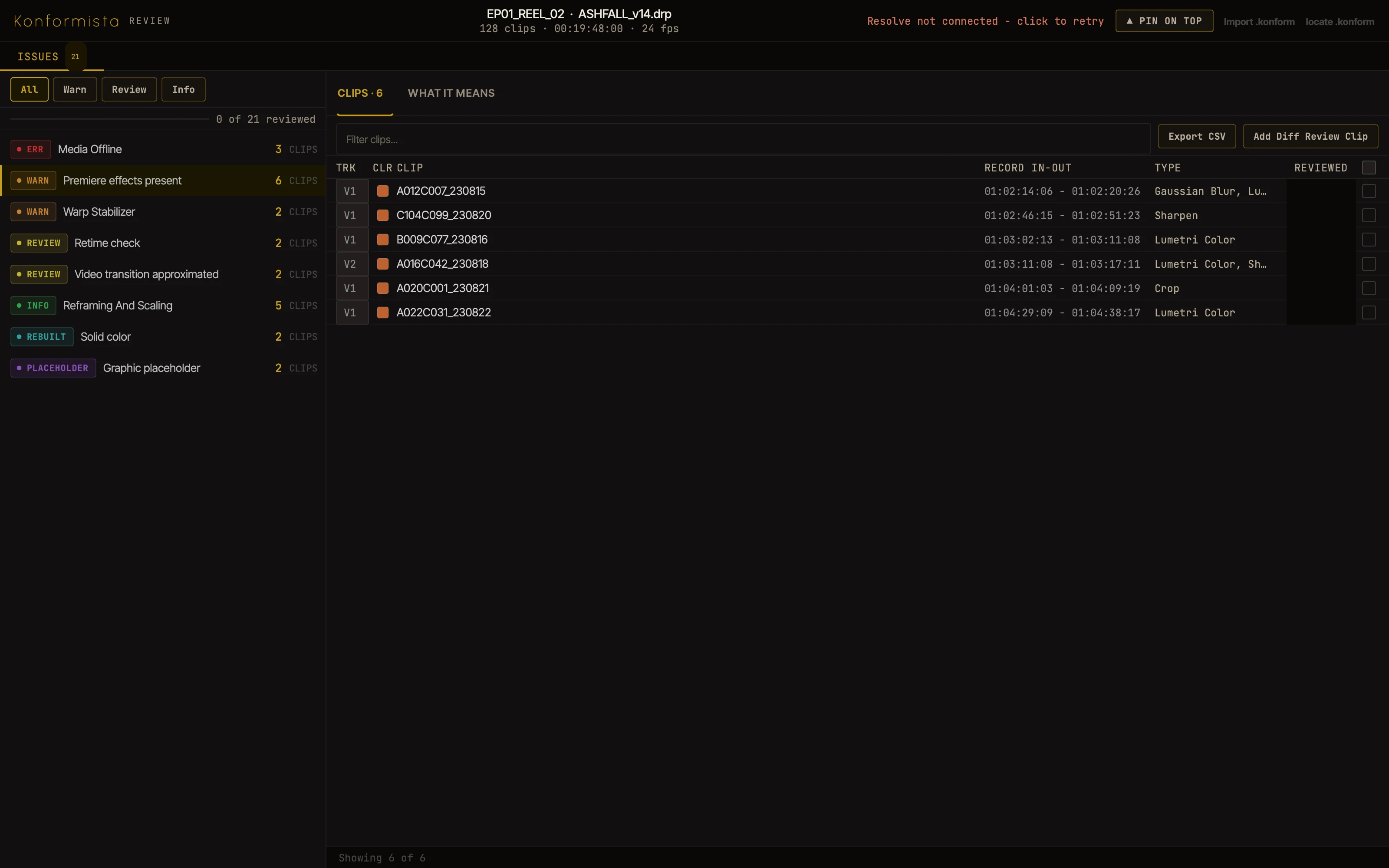
Every risk listed before you send
Choose Resolve, Baselight, or Flame and the list is rewritten for that system: what it carries, what it changes, and what to check.
Pick a categoryClick a clip, or its chipSwitch the systemClick a block in the timeline
A working copy of the app's Results page, on a made-up reel.
Finishing systems
Choose where the cut goes
The analysis, the flags, and the send work the same way for each system. Resolve is available now; Baselight and Flame are in beta.
One edit, any suite
The same cut, rebuilt
Drag across. On the left, the sequence as the editor left it in Premiere; on the right, the edit rebuilt in the system you finish in.
An illustration of what the send builds; the clips are not a real project.
What carries
What each system carries
Anything a system does not carry is flagged on the clip it affects, before you send.
| From a Premiere project | Resolve | Baselight | Flame |
|---|
How it works
From the Premiere project to the grade, and back
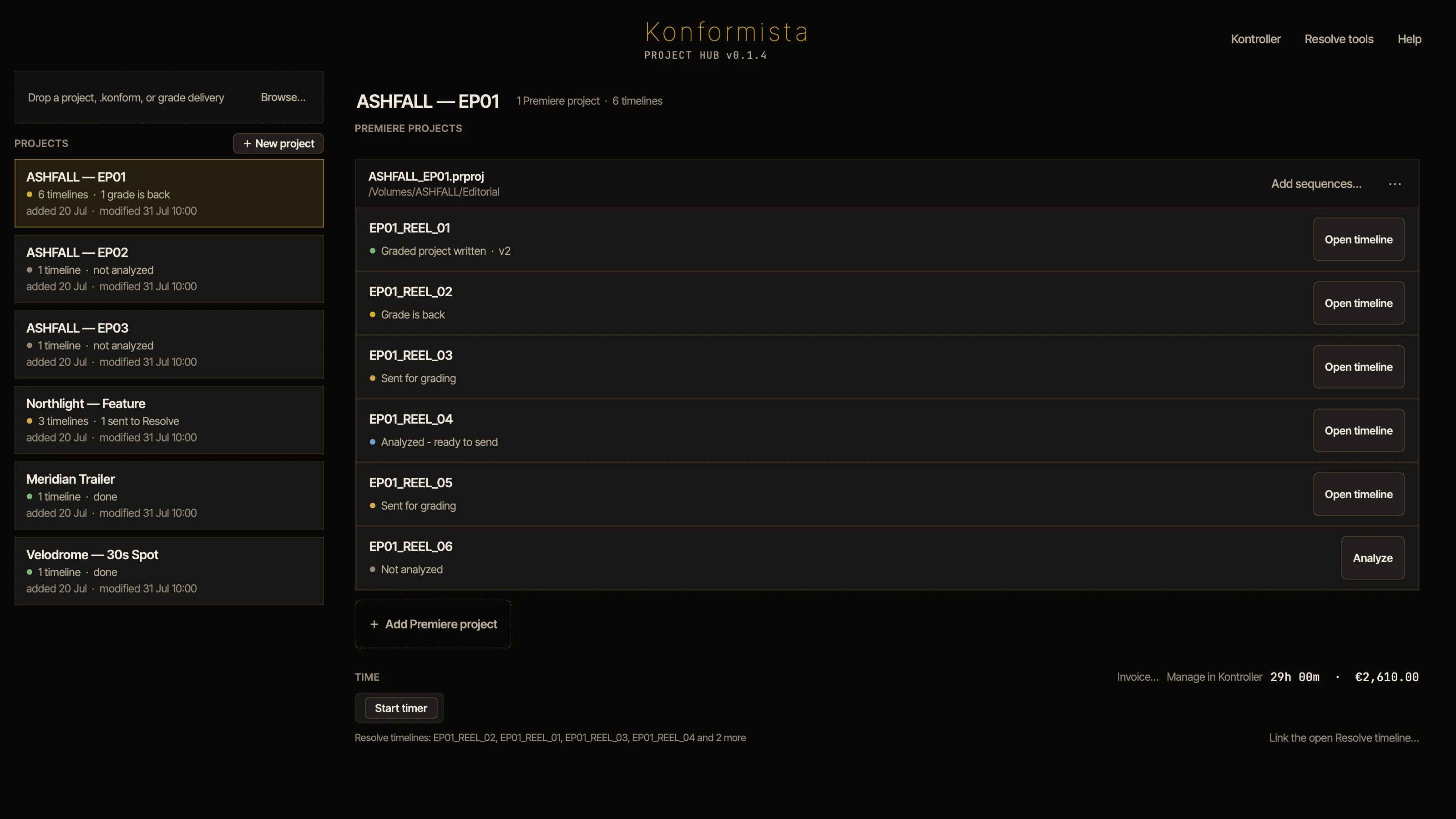
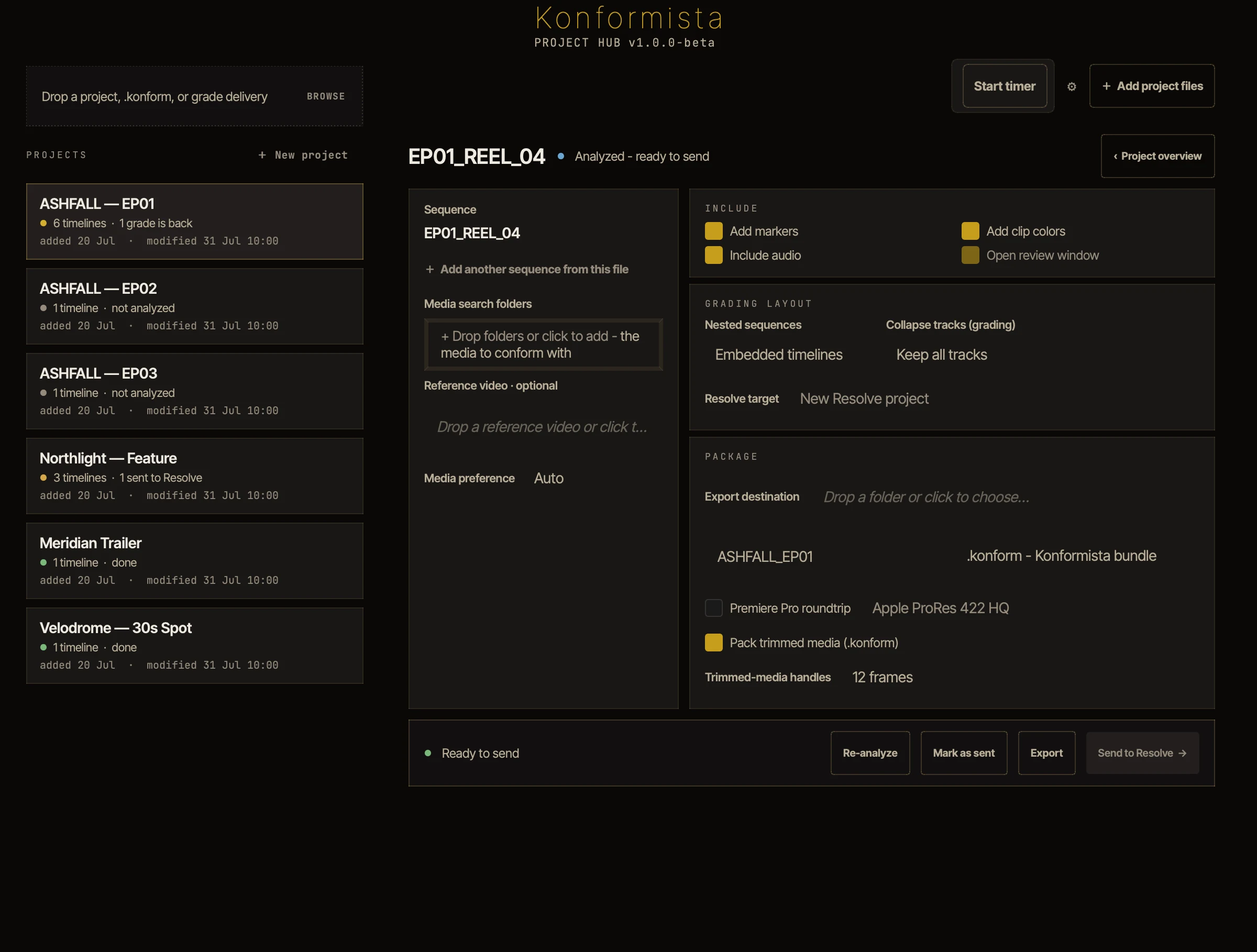
Drop a .prproj on the Project Hub. Premiere doesn't need to be installed.
Everything the system you chose won't carry as cut, grouped by kind and by how serious it is, with what to do about each clip. Click a category, then a clip.
Choose the options under the timeline, then Send: to Resolve, Baselight or Flame. The Send window asks where the cut lands; for Resolve, a round trip sets the grade up to come back to Premiere.
1In Resolve
The send sets the grade up: the render queue is already loaded, one plate per shot at the codec you chose. Grade, then Render All.
2The delivery
 +22
+22Konformista checks every shot against the renders and seals the folder. A missing shot is named before the folder goes back to the editor.
3In Premiere
Open delivery.konformed, or click Add graded timeline in the Premiere panel: the graded timeline sits beside the original, with your edit and effects as they were.
With a round-trip send, each grade comes back as its own version, the graded project beside the delivery it plays.
With Resolve
The Review window and trimmed media
Runs on your machine
Projects and media are never uploaded.
No clip limits
Any length, any number of timelines.
Originals untouched
It never changes your Premiere project or your media.
No connection needed
The Premiere panel
Send to Resolve from Premiere
A Konformista panel in Premiere shows what won't arrive in Resolve, sends the cut there or exports it, and brings the graded timeline back. Its buttons open Konformista's own windows over Premiere: Review, Kontroller, Notes and the Timer.
Point at a part to find it in the panelSend, export, collapse or open a window
Included with Konformista
Kontroller, the window beside Resolve
It follows Resolve's playhead and keeps the rest of the job in one place: the media and its relinking, markers, client notes, and VFX pulls and returns.
Click a pageOr use the arrow keys
Also from Konformista
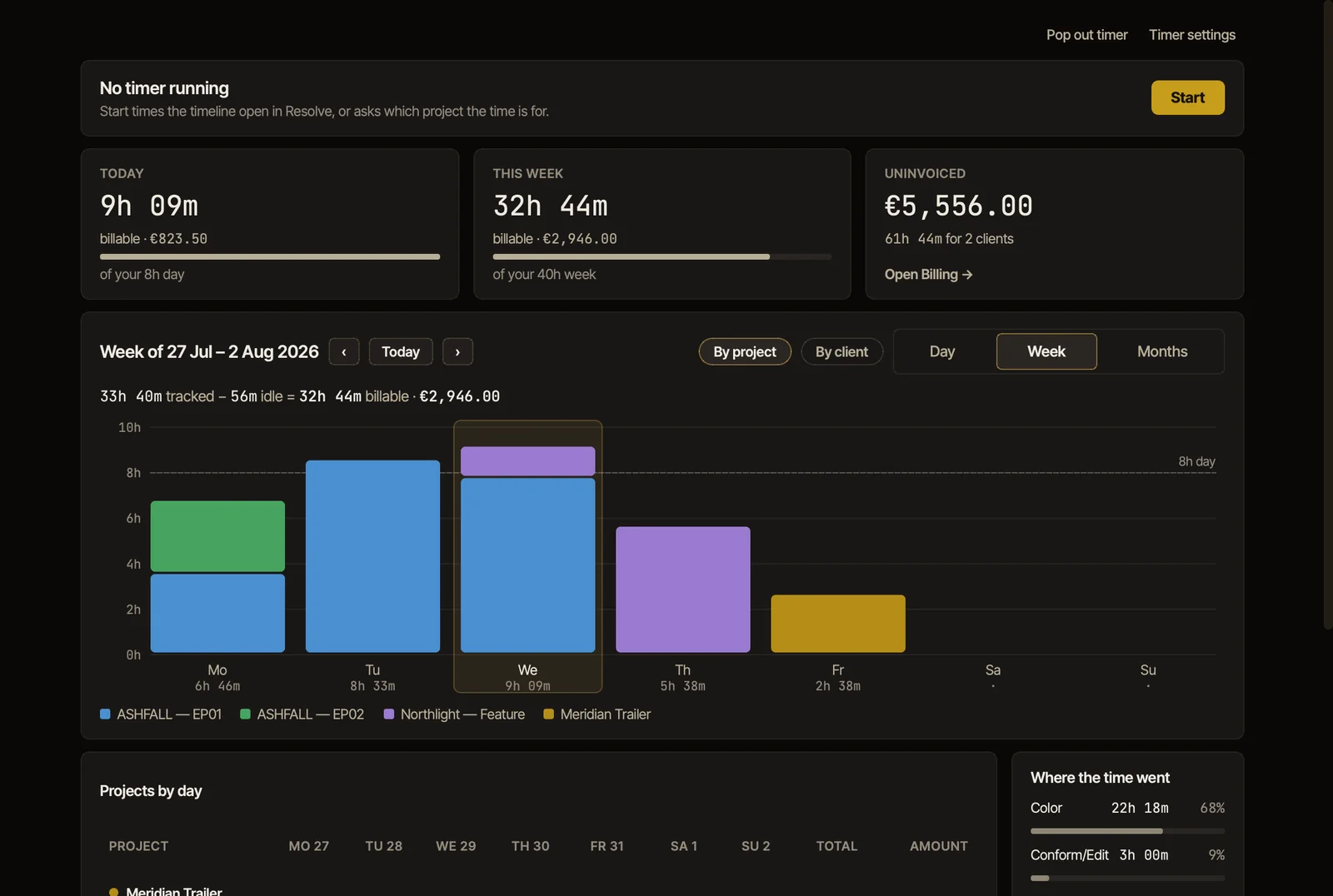
Konformista Timer, time and invoices
It records how long you work on each project, leaves out the time you step away, and turns the hours into invoices. On its own, on macOS and Windows, or beside Resolve.
Try it on your next conform
Konformista for DaVinci Resolve is available now, with a 7-day free trial. Baselight and Flame are in beta.